

Parties
The parent runs the party, not your phone line.
The parent picks a package, a date and a number of children, and pays. Then the planner opens on their phone and runs the rest.
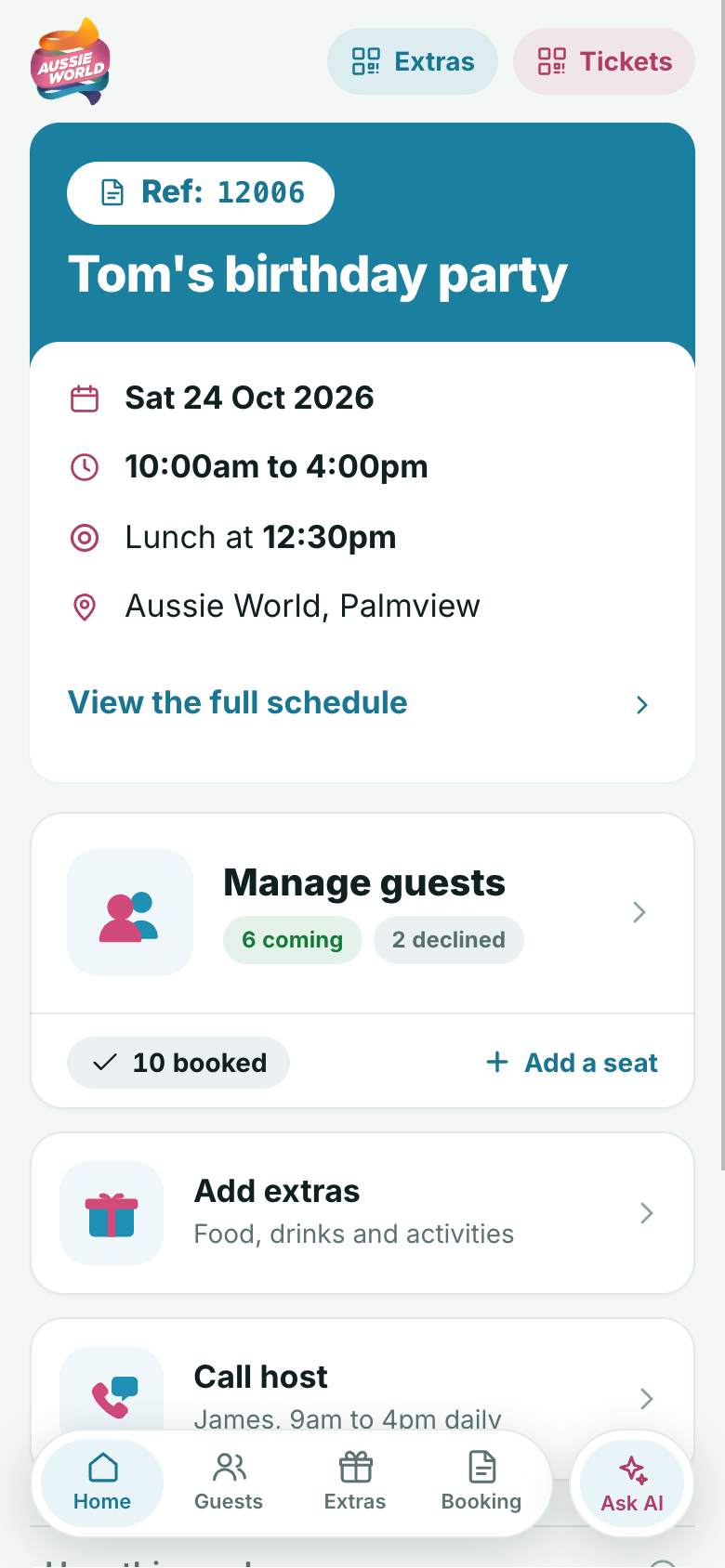
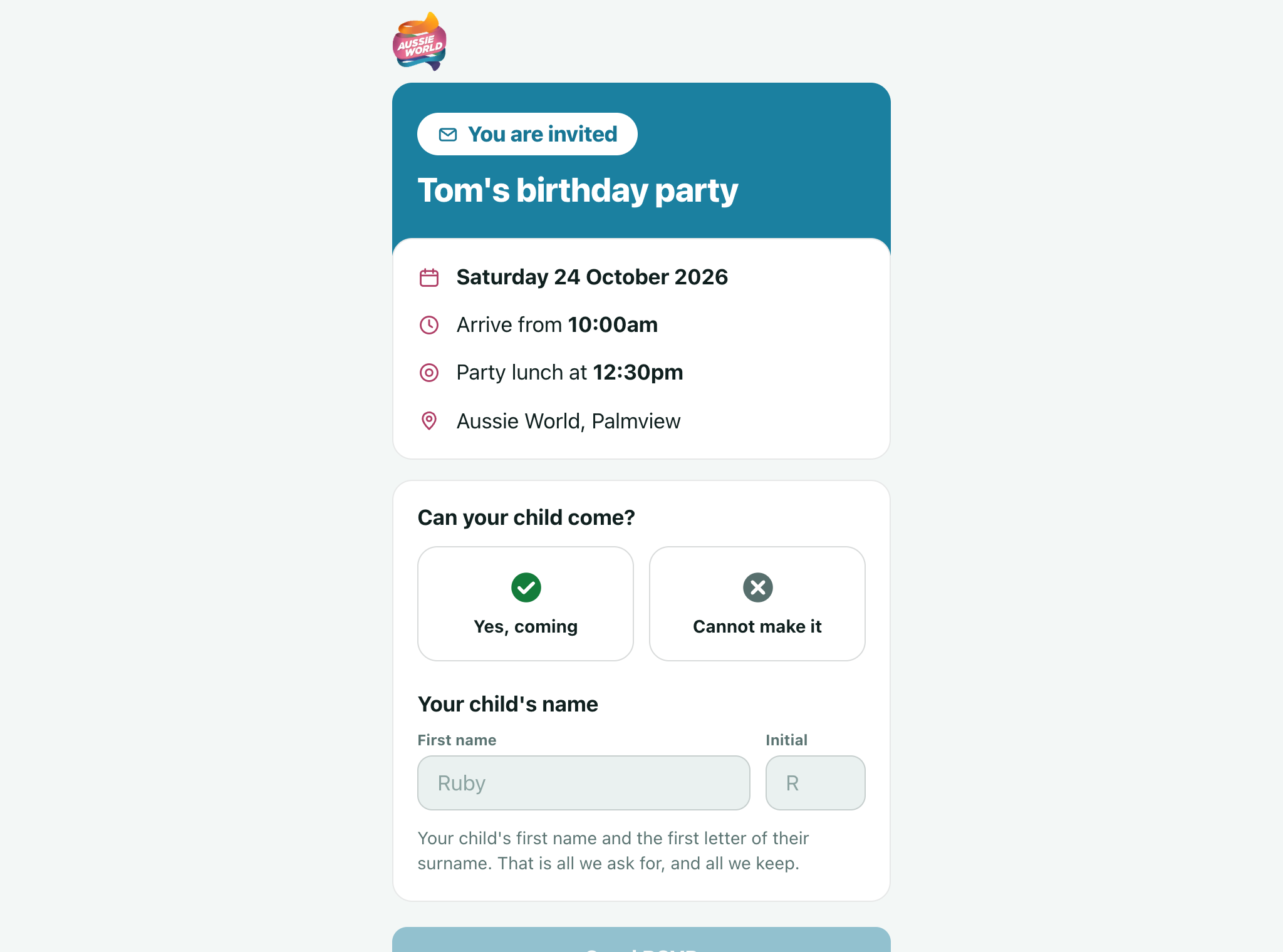
RSVP from Ruby R.
6 coming, 2 declined
Dietary note added
Nut allergy, on the kitchen’s list
Two seats added
10 booked
The problem
Parties are run on phone calls, spreadsheets and a clipboard, and the venue still finds out about the allergy on the day.
What we built
A party booked online in minutes, with a planner on the parent’s phone that feeds your kitchen and your team as it changes.
What is actually in it.
Booking it
The child’s name is in every heading, from the first screen.
- Package, number of kids and date, in about three minutes
- Lowest price per child, minimum size and free adults shown upfront
- A stepper sets the kids, and the total updates live
- Free adult passes added automatically by your own rule
- The parent never picks a table, the system assigns one
- A party table is exclusive and can never be double-booked
The planner on their phone
Ready the moment they pay. No account, no password.
- Installs on the home screen, named for the child
- One invite link for the whole party, with wording ready written
- A seats meter shows confirmed children against seats paid for
- A reply is never refused: the party says add two more seats
- More kids and extras added and paid for in the app
- One screen shows every gate code for the party
The guest’s parent
One tap to reply, and nothing more is asked.
- A plain RSVP page from the invite link, no account or app
- First name, an initial and an optional allergy note
- That is all we ask for, and all we keep
- Add to calendar after a yes, and reply again for a sibling
- A book a party at this venue link under every reply
- The RSVP page never sees money or the guest list
Your team and your kitchen
A runsheet app for the people actually running the day.
- Every party for 14 days, with how many each day
- Ops, Coordinator and Kitchen views, each built for that job
- The kitchen view counts down to the next sitting
- Sittings, heads and allergies listed by child
- A tick-off runsheet per party, with staff notes that survive a shift
- Shows whether each parent has opened the planner
No children’s data
A guest is a first name, an initial and a reply.
- There is no field for anything else
- You hold no children’s personal data to protect or lose
- Dietary notes go to the party team and the kitchen
- Nobody can see a party by guessing a reference
- The party chat asks for no surnames, phones or emails
- Staff phones paired with a one-time code, cut off in a click

Three minutes, start to paid
Name, package, kids and date. That is the booking.
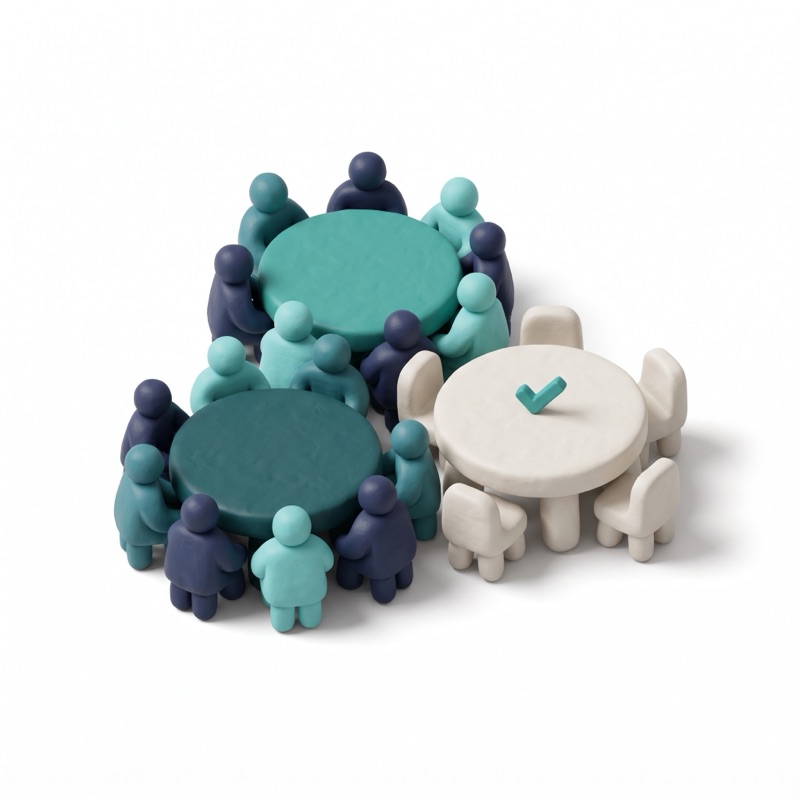
The table picks itself
Assigned to the sitting with the most free tables.

One link invites everyone
Sent by Messages, WhatsApp or copy.

Replies land as you go
First name, initial, and an allergy note if there is one.

The kitchen counts down
Sittings, heads and allergies, by child.

One code admits the group
Latecomers scan the same code at the gate.
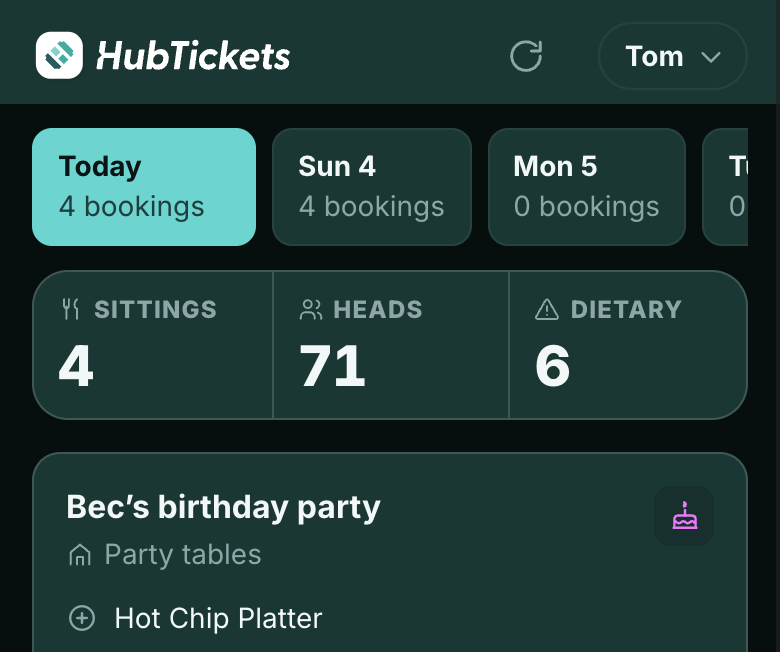 4 sittings, 71 heads6 dietary notes today
The kitchen view
Today’s sittings, heads and dietary notes, in one view.
Parties questions
How long does it take a parent to book?
About three minutes: the child’s name, a package, the number of children and a date. An estimate on numbers is fine, because more can be added later.
Do parents need an account or an app?
No. The planner is ready the moment they pay, and opens with one tap on a phone. Guests replying to an invite need nothing at all.
What happens if more children reply than were paid for?
A reply is never refused. The party shows "Over booked. Add 2 more seats", and the parent can add and pay for them in the app.
What children’s data do we end up holding?
A first name, one initial, a reply and an optional dietary note. There is no field for anything else.
How do the children get in on the day?
One code can admit the whole group, and latecomers scan the same code. Every code can go into Apple or Google Wallet or be shared as an image.
See it running for your venue.
Every demo is built around your venue. We base it on your own website, events and prices, so you can see exactly what changes for your guests and your team.
Request a demo
An honest conversation with the people who built it.